
Account Setup
How to create and set up your VaultN account after joining: registration email and code, first login with multi-factor authentication, and account settings. By following these steps, users can ensure they have a smooth onboarding experience while understanding the key elements involved in their setup.
Step 1: Receiving your registration email
Once your commercial agreement and business verification (KYC) are complete (see Joining VaultN), VaultN sends you a registration email with a personal code for creating your account. If the email isn’t in your inbox, check your spam or junk folder. If you still haven’t received it, contact VaultN Support.
Step 2: Creating an Account
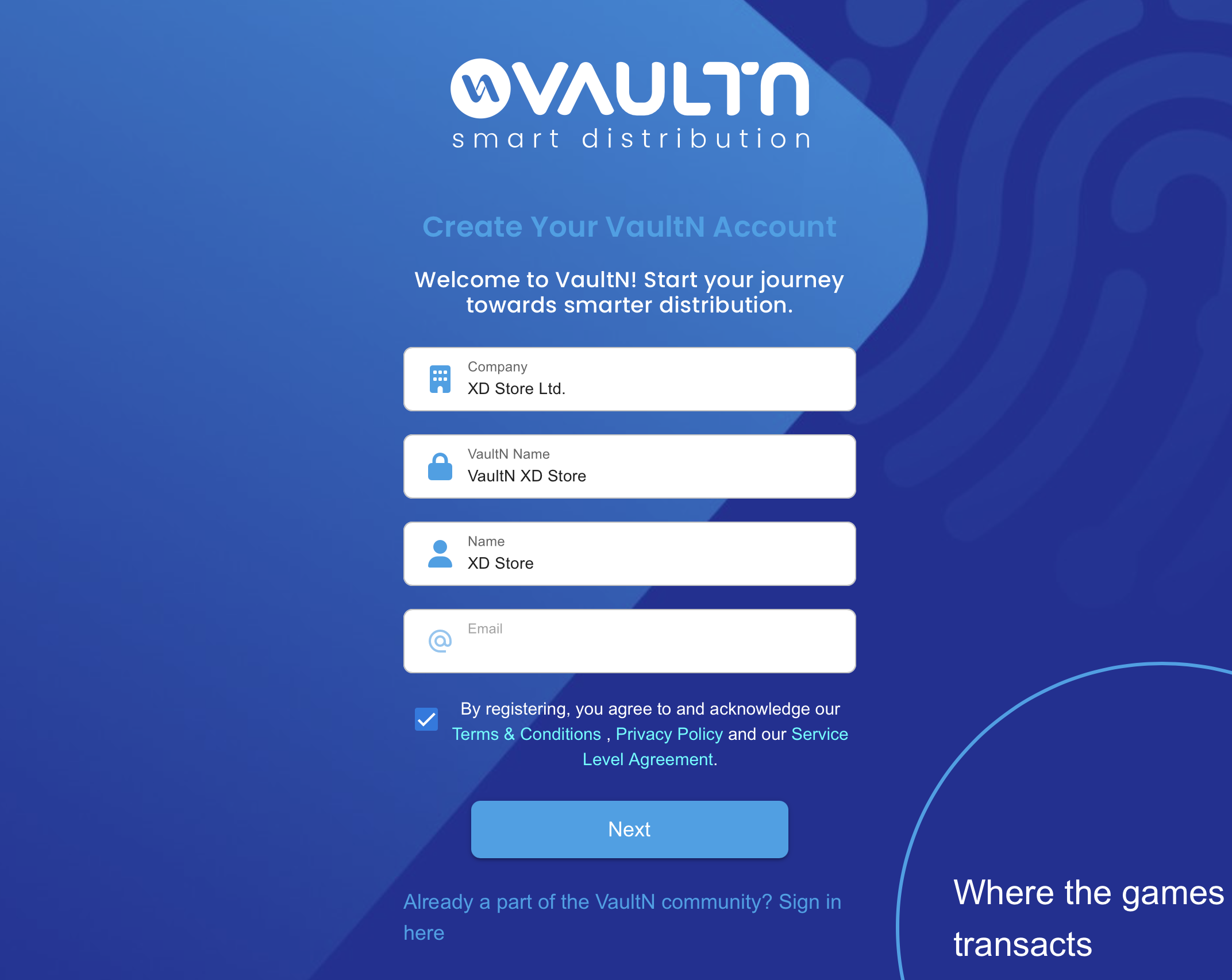
During your first login, you may be required to set up multi-factor authentication (MFA) for enhanced security. This process involves verifying your identity using a one-time authentication code sent to your registered email or phone number.
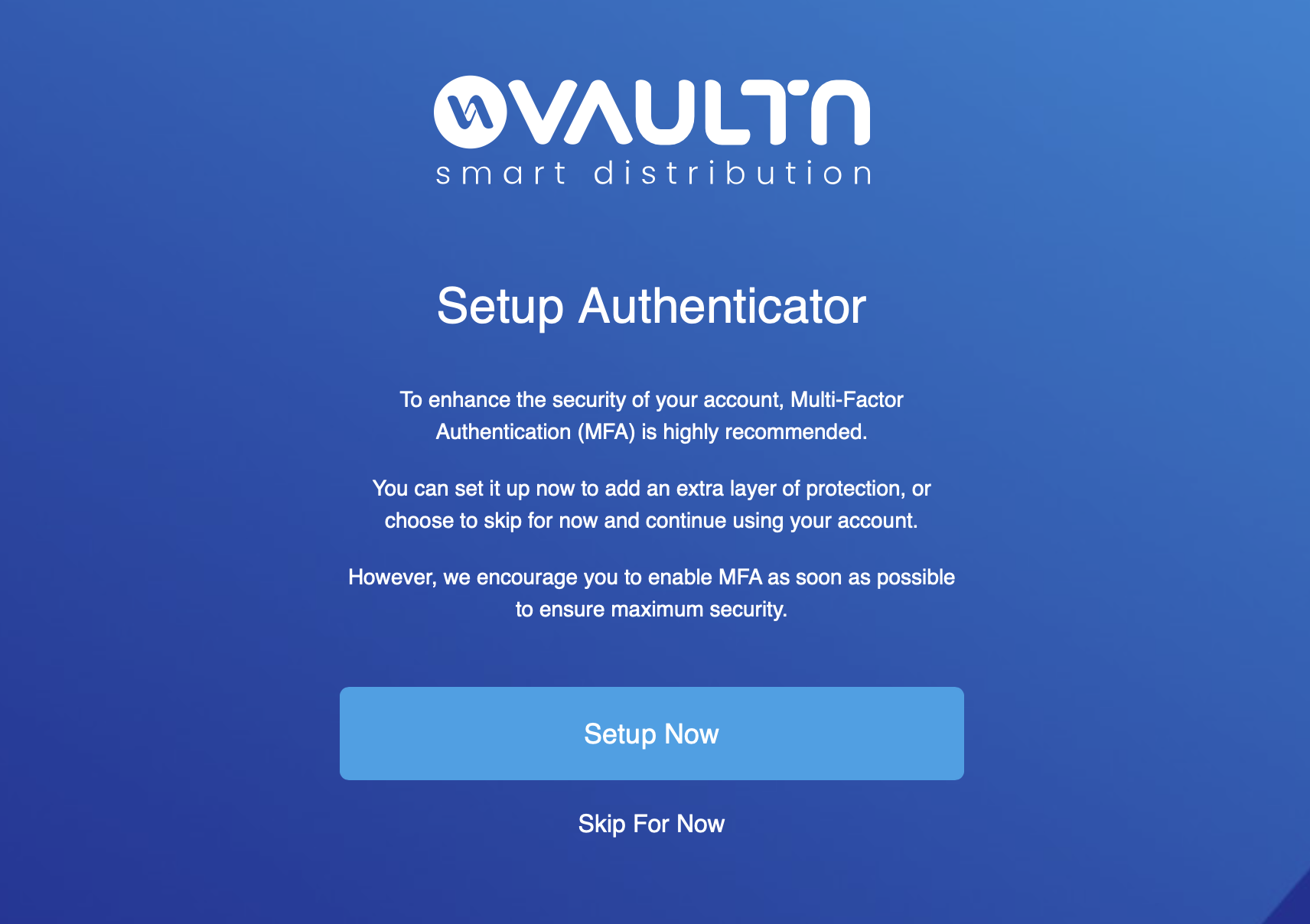
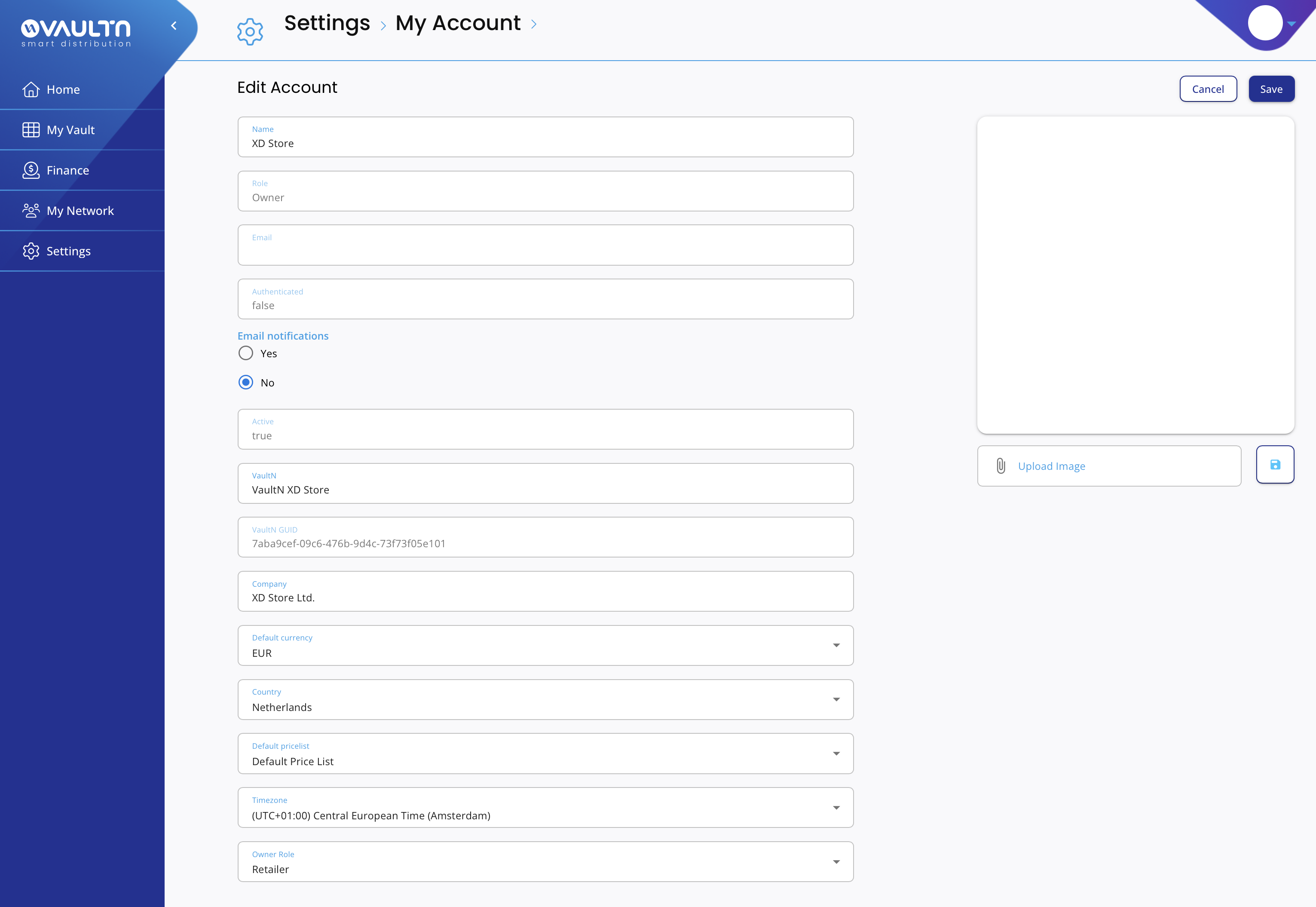
Step 3: Configuring Account Settings
After logging in, navigate to Settings to complete the setup. This includes updating personal details, setting notification preferences, configuring your timezone and currency, and reviewing security settings to ensure a secure and optimized experience.
Please contact us at [email protected] for any questions or to report issues.
Updated 11 days ago